Catch anyone who tries to unlock your phone
Lockwatch emails you photo or video evidence and your phone's GPS location after a wrong PIN, password or pattern unlock attempt.

From incorrect unlock attempt to evidence in your inbox
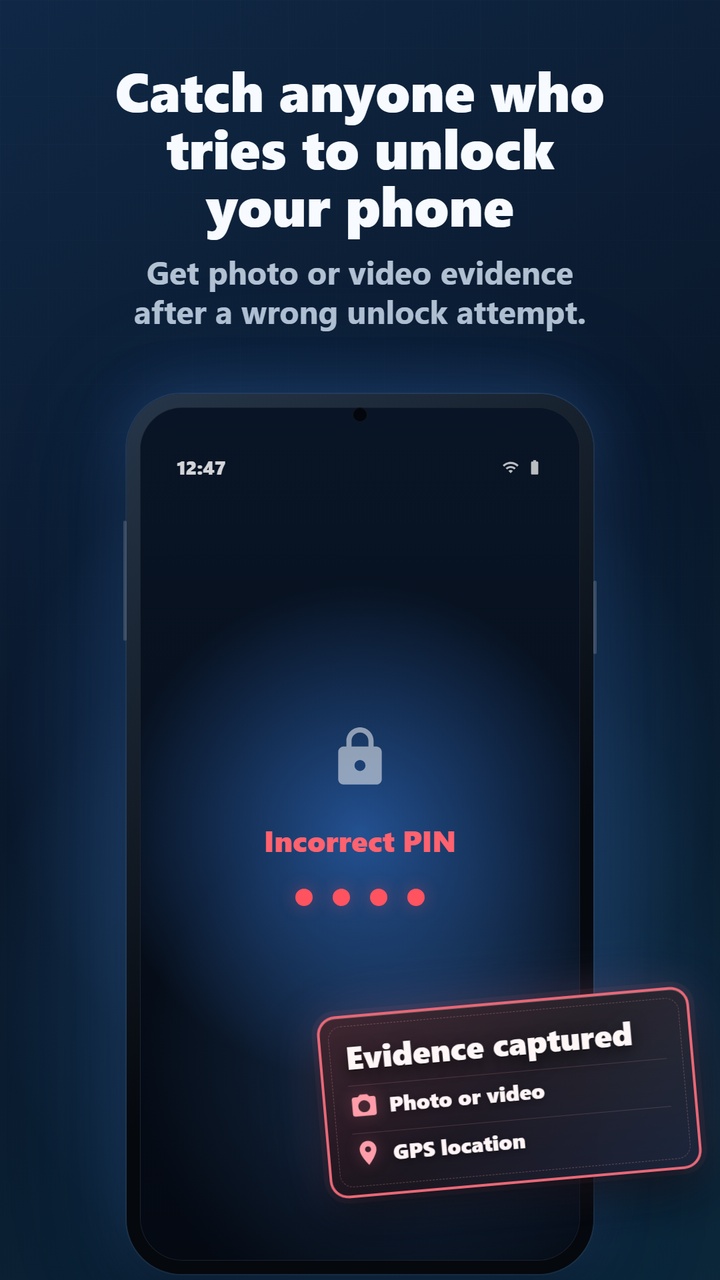
Incorrect unlock detected
Lockwatch monitors incorrect unlock attempts on your existing Android lock screen after someone enters a wrong PIN, password or pattern.
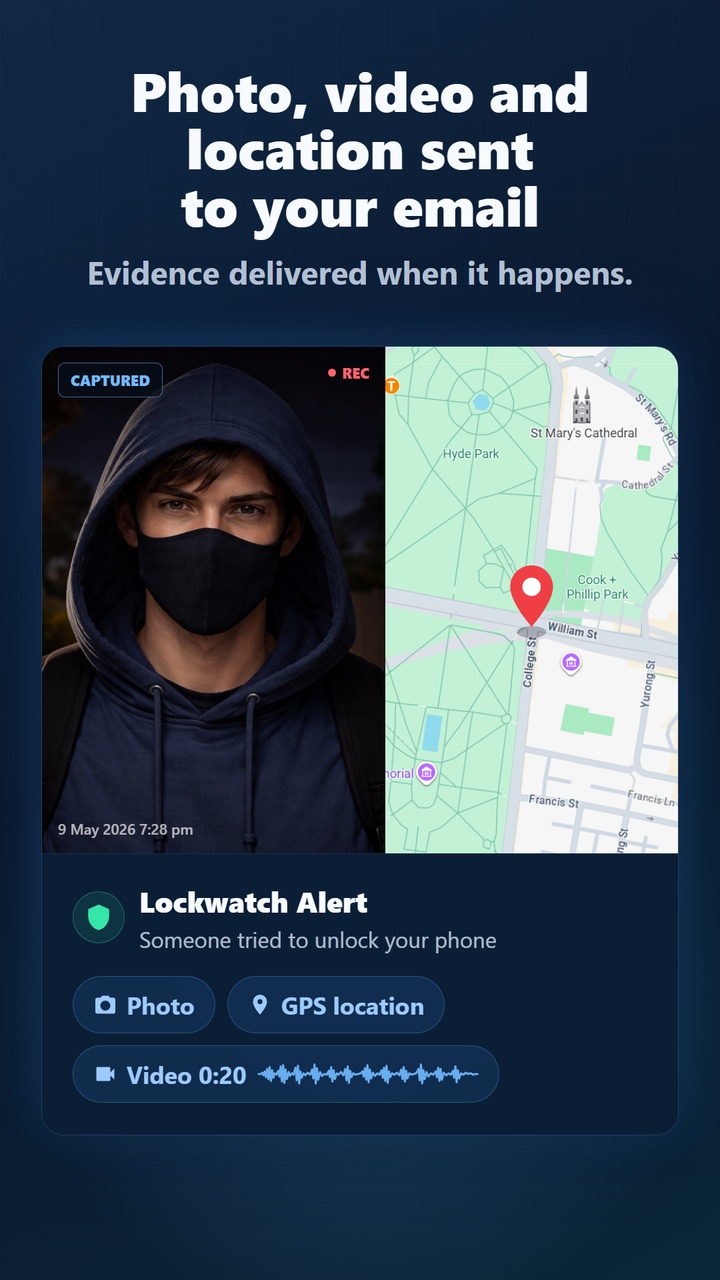
Evidence captured
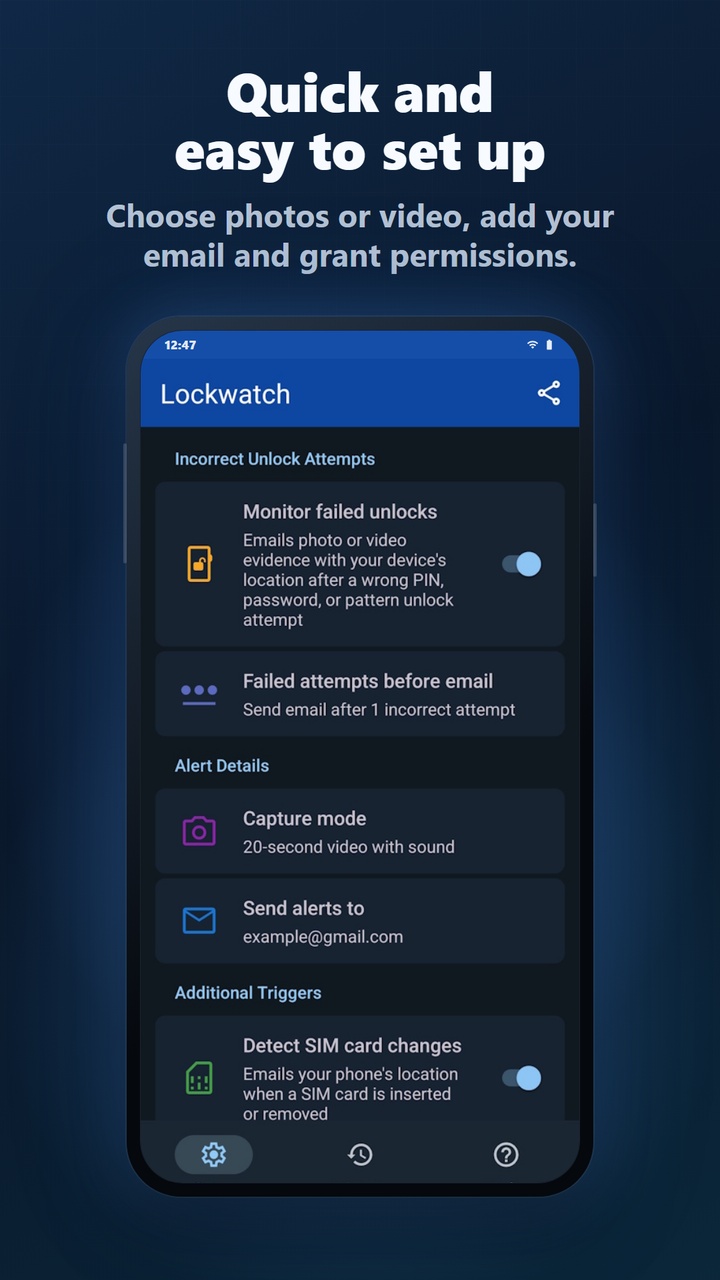
Choose photos or a 20-second video clip. Lockwatch uses the front camera to capture evidence of the intruder.
Alert emailed to you
The evidence and phone location are emailed to you, and the alert is saved locally in the app history for later review.
See what happened, where it happened, and when
Lockwatch is designed to give you useful evidence fast: a face, a location, a timestamp and the event that triggered the alert.
Lightweight protection that only reacts when it matters
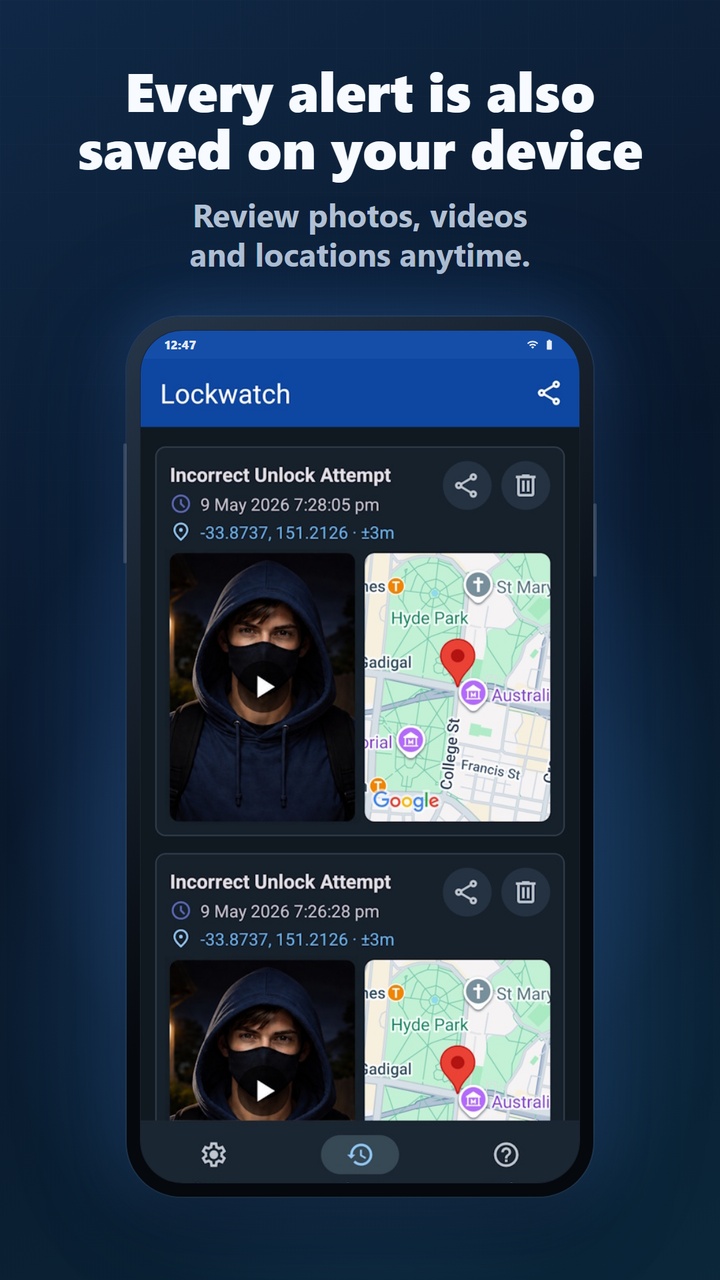
Alert history on your device
Review, share or delete past alerts, including photos, videos, map locations and timestamps.
Automatic retry
If mobile data or Wi-Fi is unavailable, Lockwatch saves the alert and retries sending it when the phone reconnects.
No constant tracking
Lockwatch stays lightweight by reacting to key security events instead of running continuous background tracking.
Free or Premium
Alerts for incorrect unlock attempts are included free. Premium adds more evidence and additional ways to be alerted.
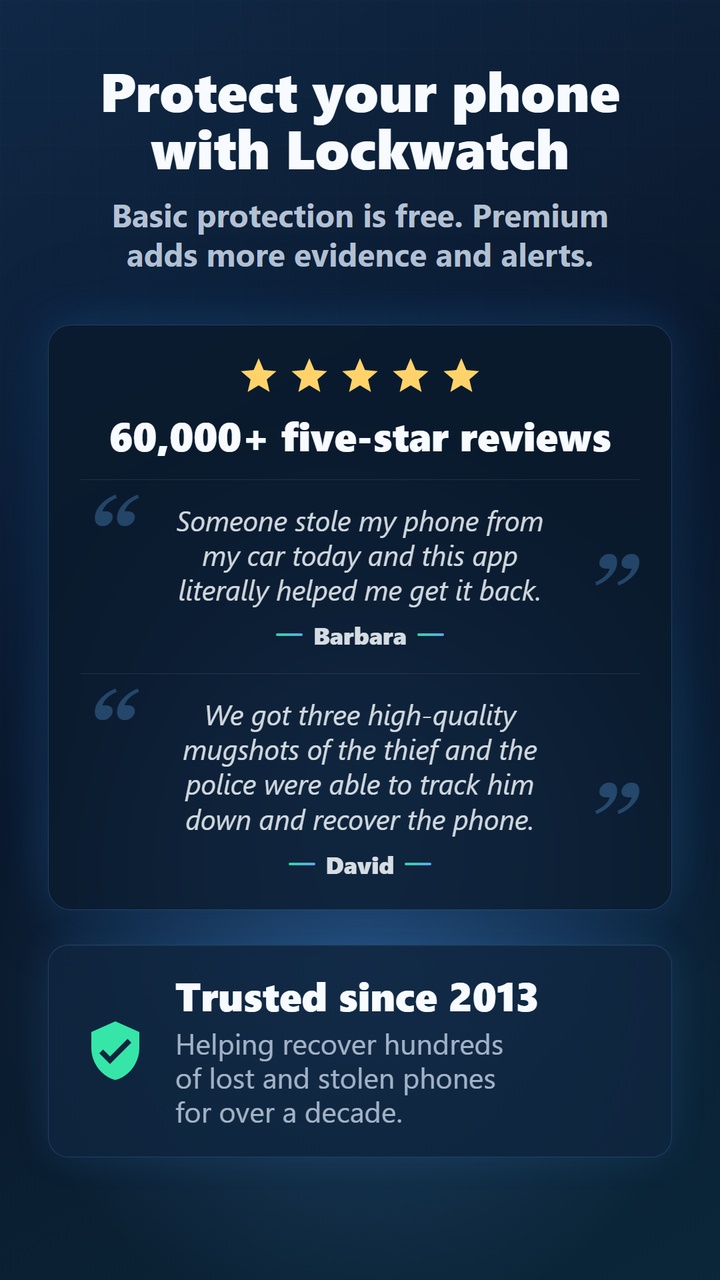
60,000+ five-star reviews
Lockwatch has helped recover hundreds of lost and stolen Android phones around the world since 2013.
Read more recovery storiesSomeone stole my phone from my car today and this app literally helped me get it back.
We got three high-quality mugshots of the thief and the police were able to track him down and recover the phone.
Choose the protection that fits you
Lockwatch keeps basic protection free without ads, with Premium available when you want more evidence and extra alert triggers.
Free protection
Get alerts for incorrect unlock attempts with one front-camera photo, your phone's location, email delivery, and the latest 5 alerts saved in on-device History.
Unlock Lockwatch Premium
Get the complete picture with 20-second video with sound, a back-camera photo of the surroundings, up to 50 alerts in on-device History, SIM change alerts and power-on alerts.
Built-in false alarm protection
Lockwatch only triggers when an unlock attempt contains at least four digits, password characters or pattern dots. If the correct code is entered within 10 seconds, the alert is cancelled.
Device Administrator permission
Lockwatch uses the Device Administrator permission to monitor screen unlock attempts. Lockwatch will never use this permission to wipe your phone.